

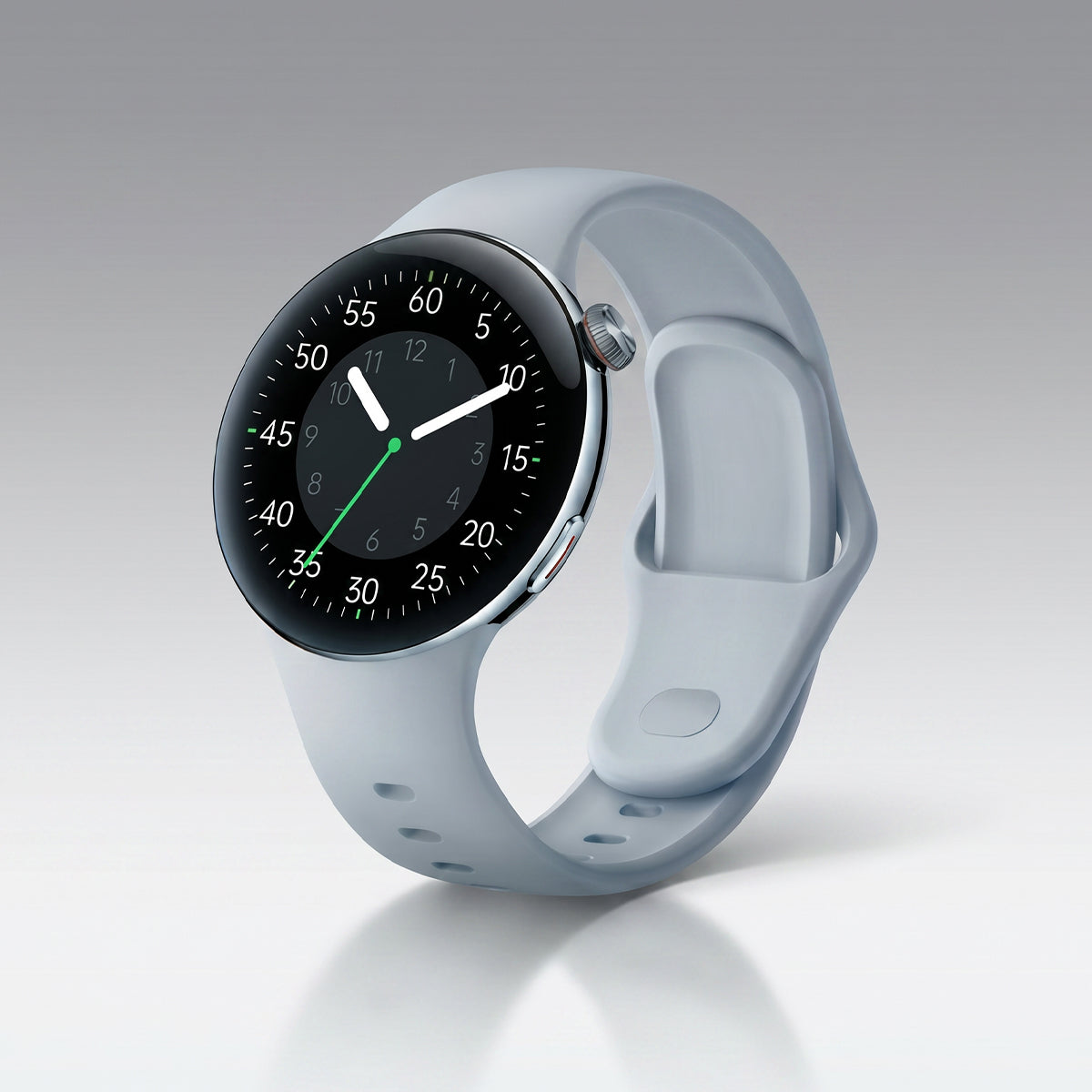









You know the moment. You're halfway through a run, breathing hard, legs burning. You glance at your watch. Heart rate: 112 bpm. The same number it showed when you were sitting on the couch scrolling through Netflix.
You know that's wrong. You can feel your heart pounding in your ears. But your watch insists you're practically napping.
Here's the frustrating truth: your watch's heart rate sensor probably isn't broken. It's just confused. And the fix is almost never "buy a new watch." It's usually one of four things, and most of them take less than a minute to correct.
The 4 Most Common Causes
Before we get to the fixes, let's name the suspects:
1. Bad placement. The sensor needs to sit flat against your skin, above the wrist bone. Most people wear their watch too low, right on the bone, where the sensor can't get a clean reading.
2. A loose band. Light leaks in. Motion creates noise. The sensor loses contact. During workouts, this is the number one cause of garbage data.
3. A dirty sensor. Sweat residue, sunscreen, dead skin, and soap film build up on the back of the watch. That layer of grime scatters the light before it reaches your blood vessels.
4. Firmware bugs. This is the one people miss. Garmin users have reported significant heart rate reliability issues after firmware updates — enough that the community called it a "massive issue." A software fix often solves what looks like a hardware problem.
Now, the fixes.
Fix 1: Move It Up — and Tighten It Down
Your watch should sit at least one finger's width above your wrist bone, on the flatter part of your forearm. Not on the bone. Not sliding toward your hand. Flat against the skin.
Then tighten the band. For daily wear, snug is fine. For workouts, go one notch tighter. You should not be able to slide a finger under the band while you're moving.
The test: Start a workout. Look at your heart rate. If it's jumping around or stuck on a number that doesn't match how you feel, adjust the position and try again. You'll often see it correct within 30 seconds.
Fix 2: Clean the Back of Your Watch
This is the fix nobody does, and it's the one that surprises people.
Take a cotton swab or a soft cloth. Put a tiny amount of rubbing alcohol on it. Wipe the sensor area on the back of your watch — the smooth glass or plastic surface where the lights shine through. Let it dry completely before wearing.
Do this once a week. If you work out daily or wear sunscreen, do it more often.
Why it works: The optical sensor works by shining light through your skin and measuring what bounces back. Any film on the sensor — sweat, oil, lotion — changes how that light travels. A clean sensor reads better. It's that simple.
Fix 3: Restart It — and Check for Updates
Before you assume the hardware is failing, do the two things that fix most software problems:
Restart the watch. Not a soft refresh — a full power off and back on. This clears stuck processes and resets the sensor.
Check for firmware updates. Open the companion app. Go to device settings. Look for "Firmware Update" or "Software Update." If one is available, install it with the watch on the charger and your phone nearby.
Garmin, Apple, Samsung, and Fitbit all push heart rate algorithm improvements through firmware. That update you've been ignoring for three weeks might be the exact fix you need.
Fix 4: Use a Chest Strap for High-Intensity Work
Here's the honest truth: optical heart rate sensors struggle during HIIT, heavy lifting, and any activity with rapid wrist movement. The error can be 8–16 bpm or more. No firmware update fixes physics.
If precision matters during hard workouts — and it does if you're training by heart rate zones — get a chest strap.
Why they work better: A chest strap measures the electrical signal of your heart directly (ECG), not the optical pulse at your wrist. It sits against your chest, where the signal is strongest. No motion artifacts. No light leakage. No lag.
What to look for: Polar H10, Garmin HRM‑Pro Plus, or Wahoo TICKR. Any of them will be within 1–2 bpm of a lab‑grade ECG, even during sprints.
Use your watch for daily wear and steady‑state runs. Use the chest strap for intervals, lifting, and anything explosive.
When to Suspect a Hardware Fault
Sometimes it really is the watch. Here's how to tell:
-
The sensor light doesn't come on at all. Look at the back of the watch while it's on your wrist. You should see green (or red) LEDs glowing. If they're dark, the sensor may be dead.
-
The reading is stuck on one number for hours. Not fluctuating at all, even when you move. That's a sensor failure, not a placement issue.
-
It reads absurdly high or low at rest. A resting heart rate of 180 or 35 that doesn't match how you feel — and doesn't correct with repositioning — is a red flag.
-
You've tried all four fixes above and nothing changed. That's when you contact support. It might be a warranty issue.
The bottom line, which is not a number
Your watch's heart rate sensor isn't broken. It's easily confused. Movement, sweat, a loose band, a dirty sensor, a buggy firmware — all of these can make it lie to you.
Fix the placement. Clean the sensor. Restart and update. And for hard workouts, use a chest strap.
Your heart is doing the work. Your watch just needs a little help keeping up. ❤️


Hinterlasse einen Kommentar
Diese Website ist durch hCaptcha geschützt und es gelten die allgemeinen Geschäftsbedingungen und Datenschutzbestimmungen von hCaptcha.