

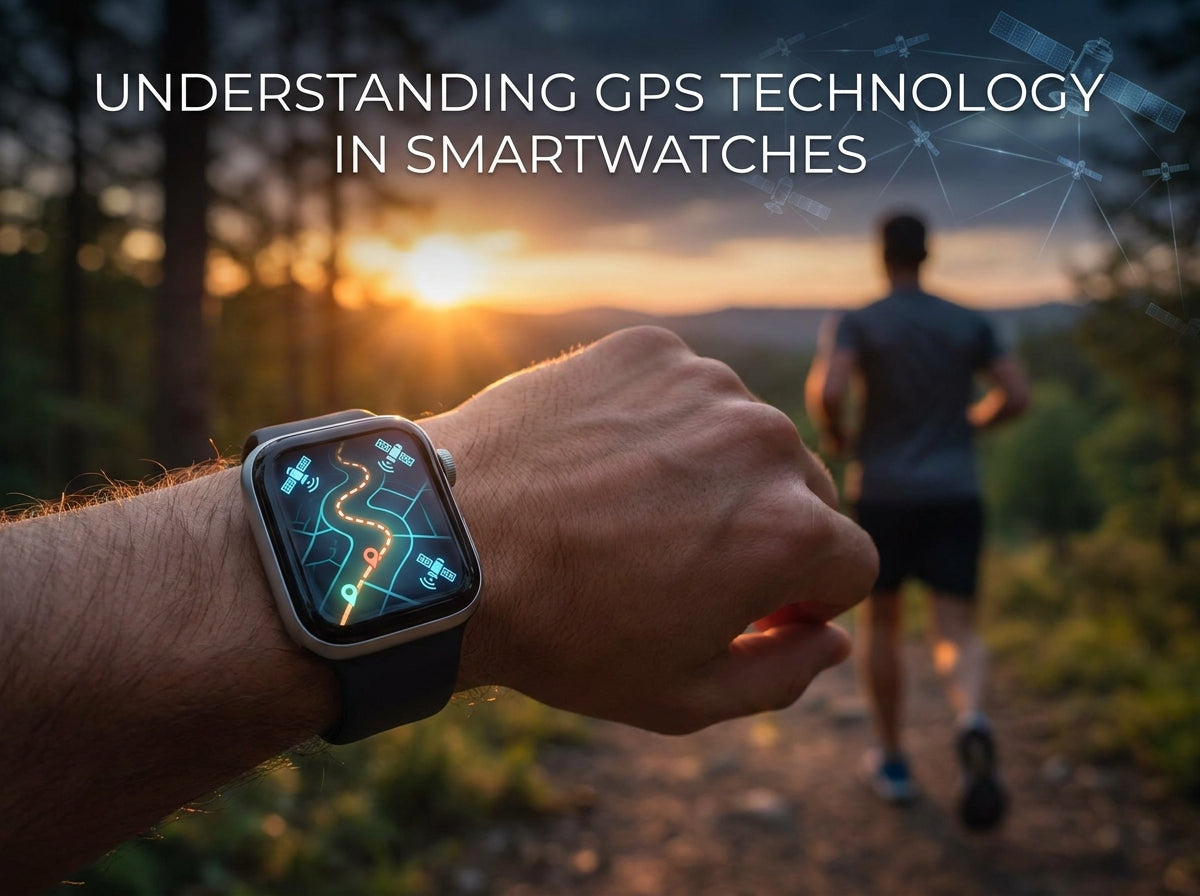
GPS has become one of the most important features in modern smartwatches, especially for runners, cyclists, hikers, and fitness enthusiasts.
But not all GPS systems are the same. Understanding how smartwatch GPS works can help you improve tracking accuracy, battery life, and overall performance.
What Is GPS?
GPS stands for Global Positioning System.
It uses satellites to determine your exact location and helps your smartwatch track:
- Distance
- Speed
- Pace
- Route history
- Outdoor activity performance
Types of GPS in Smartwatches
1. Built-in GPS
- GPS receiver is built directly into the watch
- Works independently without your phone
- More reliable in remote outdoor areas
- Consumes more battery power
Best for: Running, hiking, cycling, outdoor workouts
2. Connected GPS
- Uses your smartphone’s GPS connection through Bluetooth
- Helps preserve smartwatch battery life
- Less accurate in areas with weak phone signal
Best for: Casual fitness tracking and shorter workouts
3. Dual-Band GPS
- Uses multiple satellite frequencies simultaneously
- Provides superior accuracy in cities and difficult environments
- Performs better near tall buildings or dense forests
- Uses the most battery power
Best for: Serious athletes and advanced outdoor users
GPS Accuracy Modes Explained
High Accuracy Mode
- Most precise GPS tracking
- Best for races and performance training
- Higher battery consumption
Recommended for: Competitions and advanced workouts
Normal Mode
- Balanced performance and battery efficiency
- Suitable for most activities
Recommended for: Everyday fitness tracking
Power Save Mode
- Reduces GPS update frequency
- Extends battery life significantly
- Less precise tracking
Recommended for: Long hikes or endurance activities
Built-in Maps and Navigation
Some advanced smartwatches also include:
- Turn-by-turn navigation
- Route visualization
- Waypoints and markers
- Offline map downloads
These features are especially useful for hiking, trail running, and travel.
How GPS Affects Battery Life
GPS is one of the most power-intensive smartwatch features.
Estimated Battery Usage
- 1-hour workout: 10–20% battery
- 2–3 hour activity: 25–40% battery
- All-day GPS tracking: 40–60% battery
Tips to Save Battery While Using GPS
- Use Connected GPS when possible
- Disable GPS after workouts
- Lower screen brightness
- Enable battery saver mode during long activities
Common GPS Problems & Solutions
❌ No GPS Signal
Try the following:
- Move to an open outdoor area
- Wait longer for satellite acquisition
- Check if GPS is enabled in settings
- Restart your smartwatch
📏 Inaccurate Distance Tracking
To improve accuracy:
- Use High Accuracy mode
- Keep the watch naturally facing upward
- Avoid areas with tall buildings or heavy obstruction
🔋 Excessive Battery Drain
Possible solutions:
- Use Connected GPS for casual tracking
- Turn off Always-On Display
- Reduce display brightness
Best Practices for GPS Tracking
1. Acquiring GPS Signal
- Go outdoors before starting
- Wait for “GPS Ready” confirmation
- Avoid standing near buildings or heavy cover
2. During Your Activity
- Wear the watch consistently
- Minimize obstruction to the signal
- Check signal strength if available
3. After Your Activity
- Sync workout data to the app
- Review route and pace information
- Refresh or clear GPS data if needed
The Future of GPS in Wearables
GPS technology continues improving rapidly:
- Better tracking accuracy
- Longer battery life
- Smaller and more efficient components
- Improved indoor positioning systems
Future smartwatches will likely offer even more reliable tracking with lower power consumption.
Conclusion
GPS transforms your smartwatch into a powerful outdoor fitness and navigation tool.
By understanding the different GPS types, tracking modes, and battery impacts, you can choose the right settings for your activities and get more accurate results from every workout.
Whether you’re training for a marathon or exploring hiking trails, mastering your smartwatch GPS features helps you make the most of your wearable device.



Leave a comment
This site is protected by hCaptcha and the hCaptcha Privacy Policy and Terms of Service apply.