



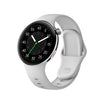
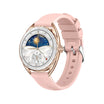


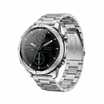

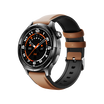


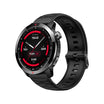


Sleep is the foundation of good health, and understanding your sleep patterns can help you make meaningful improvements to your daily life. The Aolon smartwatch comes equipped with advanced sleep tracking technology that monitors your rest throughout the night, providing valuable insights into sleep quality, duration, and stages.
Understanding Sleep Tracking on Aolon Smartwatch
The Aolon smartwatch uses advanced biosensors to monitor your sleep patterns throughout the night. These sensors detect movement, heart rate variations, and other physiological signals to determine different sleep stages, including light sleep, deep sleep, and REM (Rapid Eye Movement) sleep.
Setting Up Sleep Tracking
Step-by-Step Setup Guide
- Make sure the watch firmware is updated to the latest version
- Navigate to Settings → Health → enable Sleep Tracking
- Set your sleep goals (7-9 hours for adults)
Viewing Your Sleep Data
Key Sleep Metrics Available
Open the Aolon Fit app → Sleep section. You'll find:
- Total sleep time
- Time spent in each sleep stage
- Sleep efficiency percentage
- Sleep Score (0-100 rating)
Sleep Stages Explained
Breakdown of Each Sleep Stage
- Light Sleep (N1 & N2): 50-60% of total sleep, body relaxes and recovers
- Deep Sleep (N3): Most restorative, tissue repair and immune function
- REM Sleep: Dreaming occurs, memory consolidation
Tips for Better Accuracy
Practical Usage Suggestions
- Keep consistent sleep/wake times
- Avoid charging during sleep
- Wear snug but comfortable


Jätä kommentti
Kaikki kommentit moderoidaan ennen julkaisemista.
Tämä sivu on suojattu hCaptcha-tunnistuksella, ja hCaptchan tietosuojakäytäntöjä ja käyttöehtoja sovelletaan.