









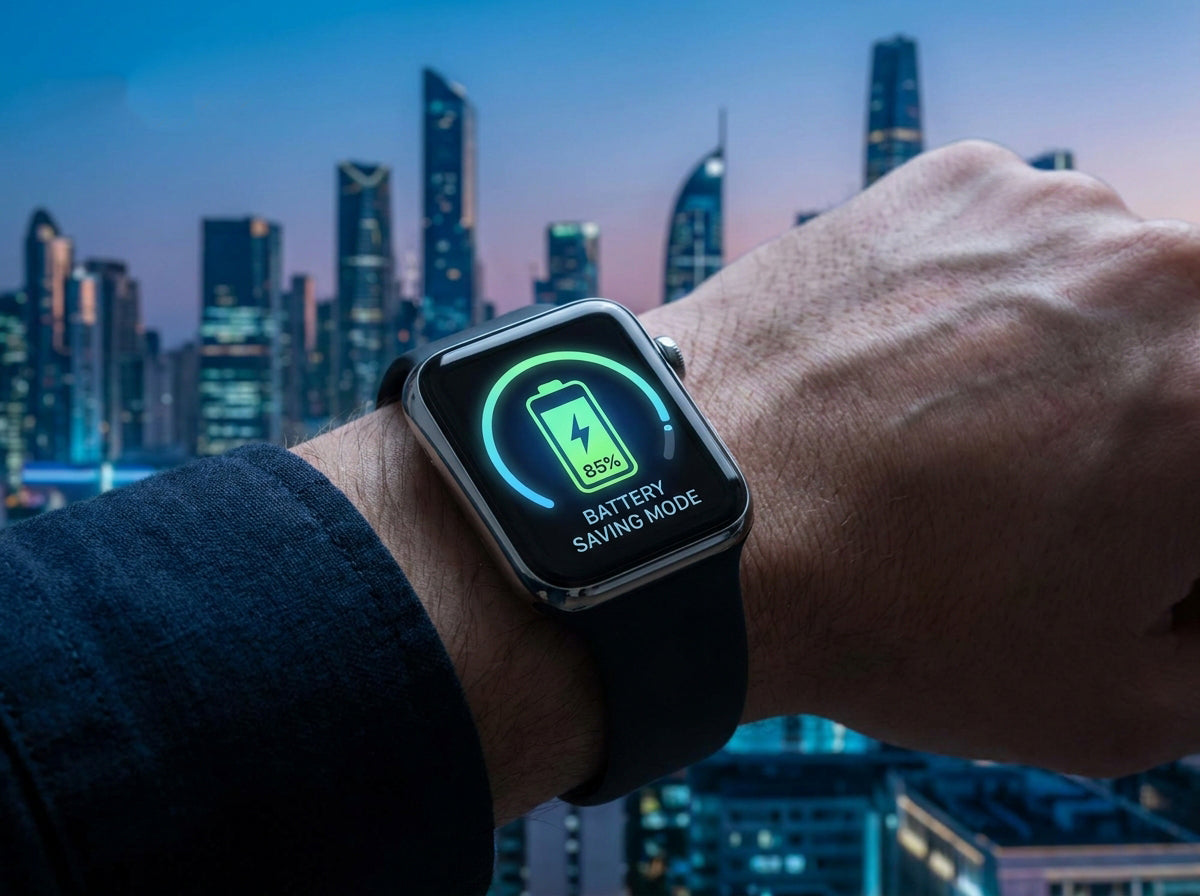
How to Maximize Your Smartwatch Battery Life
Running out of battery mid-day is incredibly frustrating, especially when you rely on your wearable for notifications and fitness tracking. If you are experiencing rapid battery drain, these practical tips and settings adjustments will help you get the most out of your smartwatch's daily charge.
1. Optimize Display Settings (The Biggest Battery Drainer)
Your screen consumes more power than any other component. Making small tweaks here yields massive results:
-
Lower Brightness: Reduce screen brightness or rely on the auto-brightness feature.
-
Shorten Screen Timeout: Set your display to turn off after 10-15 seconds of inactivity.
-
Disable Always-On Display (AOD): Use the "Always-On" feature selectively. Instead, enable "Lift-to-Wake" so the screen only activates when you raise your wrist.
2. Manage Background Health Tracking
While biometrics are useful, you might not need them running 24/7.
-
Adjust Heart Rate Polling: Disable continuous heart rate monitoring when lounging or working at a desk; set it to read every 10 minutes instead.
-
Sleep Tracking Limits: Turn off background SpO2 (blood oxygen) monitoring during sleep unless you are actively tracking respiratory issues.
-
GPS Management: Reduce GPS polling frequency during long outdoor workouts to preserve juice for the final miles.
3. Tame Your Notifications
Every time your watch buzzes and lights up, it drains power.
-
Filter Apps: Turn off push notifications for non-essential apps (like social media games) and only allow calls, texts, and calendar alerts.
-
Disable Vibration: Turn off haptic feedback/vibration for less important alerts.
-
Sync Less Often: Restrict how frequently your weather and fitness apps sync data in the background.
4. Streamline Connectivity
Wireless connections are silent battery killers.
-
Manage Radios: Disconnect Bluetooth when you aren't using paired features, and disable Wi-Fi entirely unless your watch specifically needs it for a major update.
-
Use Airplane Mode: If you are sitting in a movie theater or know you won't need connectivity for hours, toggle Airplane mode on.
5. Smart Charging Habits
Protecting your battery's long-term health is just as important as daily savings.
-
Avoid the Extremes: Try to charge your watch before it drops below 20%, and avoid leaving it on the charger at 100% overnight when possible.
-
Use Official Accessories: Always use official or certified chargers to prevent overheating and maintain optimal battery cell health.
Final Thoughts
You don't have to disable every smart feature to make your watch last. By finding the sweet spot between the capabilities you actually need and the battery life you require, these small adjustments will lead to significant power savings throughout your day.


Lämna en kommentar
Denna webbplats är skyddad av hCaptcha och hCaptchas integritetspolicy . Användarvillkor gäller.