











Short answer: Don't use every feature on day one. You'll get overwhelmed and quit by Wednesday. Instead, follow this 7‑day plan — one small step per day. By the end, tracking feels automatic and you actually understand your data.
Day 1: Pair It and Fill In Your Basics
Download the companion app. Tap "Add Device." Follow the prompts.
Then — and this is the part people skip — fill in your personal info: age, weight, height, sex.
Your watch uses these to calculate almost everything: calories, heart rate zones, VO₂max estimates, stride length. Wrong info means wrong data across the board.
Done for today. Don't touch anything else. Just wear it.
Day 2: Turn On Heart Rate and Step Tracking
Go to settings. Find "Heart Rate" or "Health Monitoring." Turn on continuous monitoring.
Then set a step goal. Most apps default to 10,000 — that's a marketing number, not a medical one. Research suggests 7,000–8,000 steps delivers most of the health benefits. Start at 6,000 if you're currently sedentary.
Done for today. You're now collecting the two foundational metrics.
Day 3: Record One Workout Manually
Auto-detection is convenient but unreliable. It misses short walks, strength sessions, and anything without steady motion.
Today's task: Start a workout yourself before you move. Walk for 10 minutes. Pause it once. Resume. Stop and save.
Then look at the data — distance, pace, heart rate, calories. Don't judge the numbers. Just get familiar with where they live.
Done for today. You now know how to record a workout. That's the most-used feature on any wearable.
Day 4: Wear It to Bed
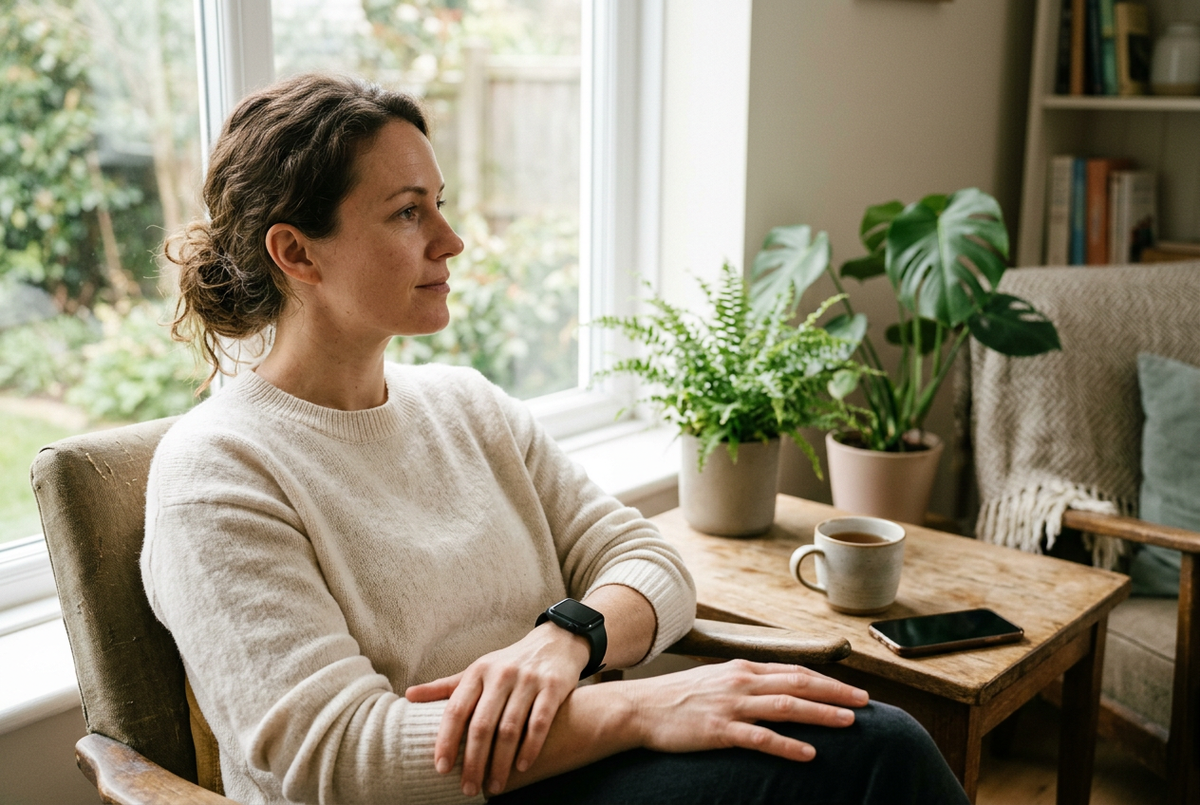
This is where most beginners fail. If the watch is uncomfortable at night, you'll take it off — and lose all sleep data.
Fix the comfort first:
-
Loosen the band one notch
-
Switch to a fabric or nylon strap if the silicone itches
-
Wear it on your non-dominant hand
-
Enable "Sleep Mode" or "Bedtime Mode" — it dims the screen and silences alerts
Then wear it for one full night. Don't check the score at 3 AM. First-night data is always rough — it's calibration, not a verdict.
Done for today. You're now tracking sleep — the other half of the health picture.
Day 5: Set Up Notifications — Selectively
The default is usually "everything." That's wrong. Every buzz drains battery and attention.
Keep: Calls, messages from favourite contacts, calendar reminders.
Turn off: Every email, social media likes, news alerts, shopping app promos, group chats.
Also: Schedule Do Not Disturb for your sleep hours and focus time.
A watch that buzzes constantly becomes a watch you take off. A watch that buzzes only when it matters becomes a watch you forget you're wearing — in the best way.
Done for today. Your watch is now a tool, not a distraction.
Day 6: Read Weekly Trends, Not Daily Numbers
Open the trends or insights section of your app. Look at the last 5 days.
-
Is your resting heart rate stable?
-
Are your step counts consistent?
-
How many nights did you actually wear it?
The rule: A single reading is a data point. A week of readings is a trend. Trends are what matter.
One bad sleep score? Meaningless. A week of declining deep sleep? Worth paying attention to.
Done for today. You now know how to read your data like a human, not a spreadsheet.
Day 7: Set One Goal — Just One
Base it on what you actually do, not what you wish you did.
-
Average 5,000 steps? Aim for 6,500.
-
Sleep 6.5 hours? Aim for 7.
-
Never work out? Aim for two 20-minute walks per week.
Make it specific and time-bound: "Walk 6,500 steps daily for 14 days."
Then review after two weeks. Hit it easily? Raise the bar. Missed it constantly? Lower it. A goal you never hit isn't motivating — it's demoralising.
Done for today — and done with week one. You've built the habit.
What Comes Next
-
Charge it consistently — pick a time and make it routine. A dead watch tracks nothing.
-
Clean the sensor weekly — sweat and sunscreen degrade accuracy.
-
Update the firmware — manufacturers improve algorithms over time.
-
Don't chase perfect data — it's a trend tracker, not a lab instrument.
-
Revisit your goal monthly — what worked in week one might be too easy by week eight.
The Bottom Line
Starting health tracking isn't about learning every feature. It's about building one habit at a time — pairing, tracking, sleeping, reviewing, and finally, setting a goal.
Seven days. Seven small steps. By the end, you won't be a beginner anymore. You'll just be someone who knows what their wrist is telling them. 😉


Lämna en kommentar
Denna webbplats är skyddad av hCaptcha och hCaptchas integritetspolicy . Användarvillkor gäller.