

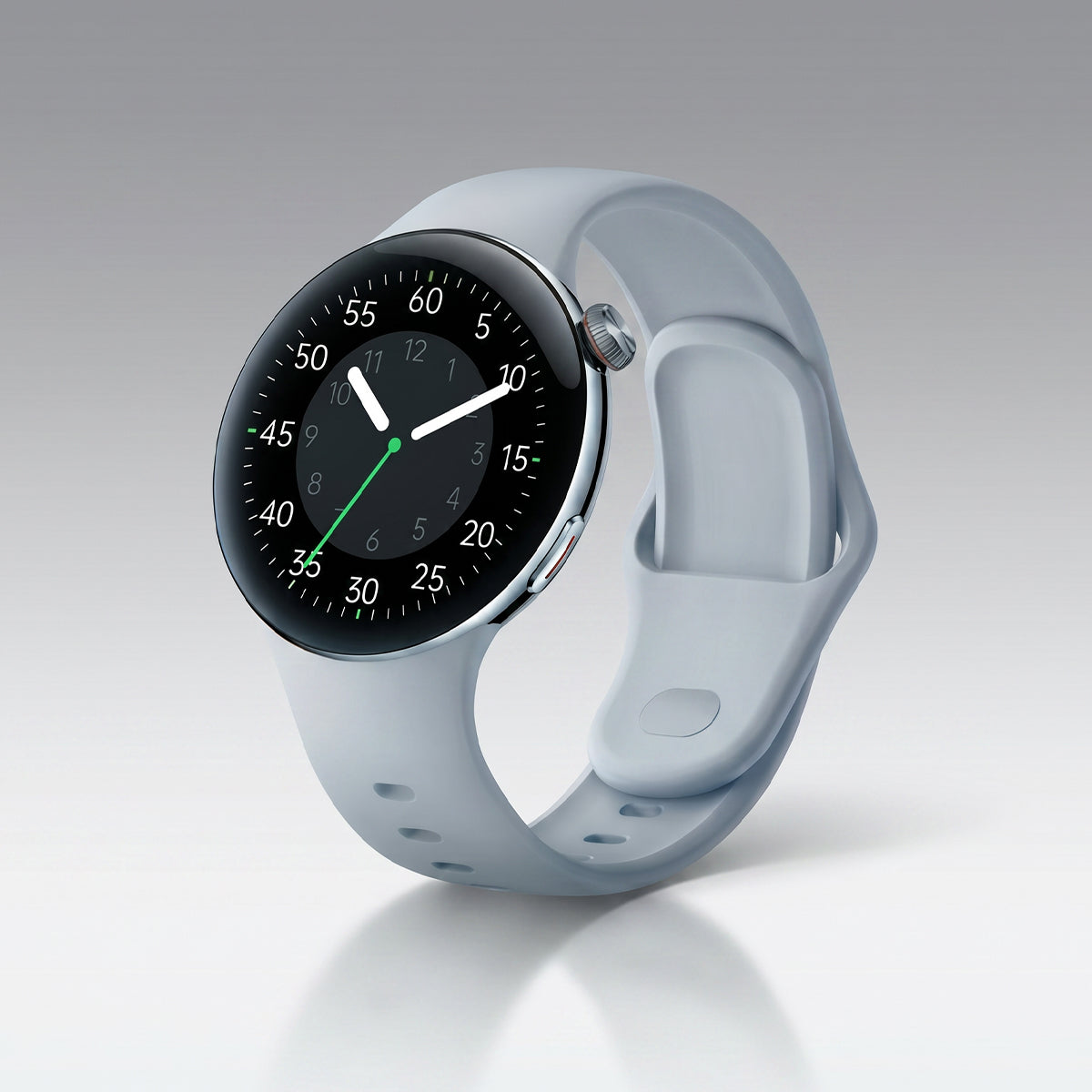









Your smartwatch is more than just a fitness tracker—it can also act as a convenient remote control for your phone and connected devices.
From controlling music during workouts to finding your phone or managing smart home devices, these features can make daily life easier and more efficient.
Control Your Phone from Your Smartwatch
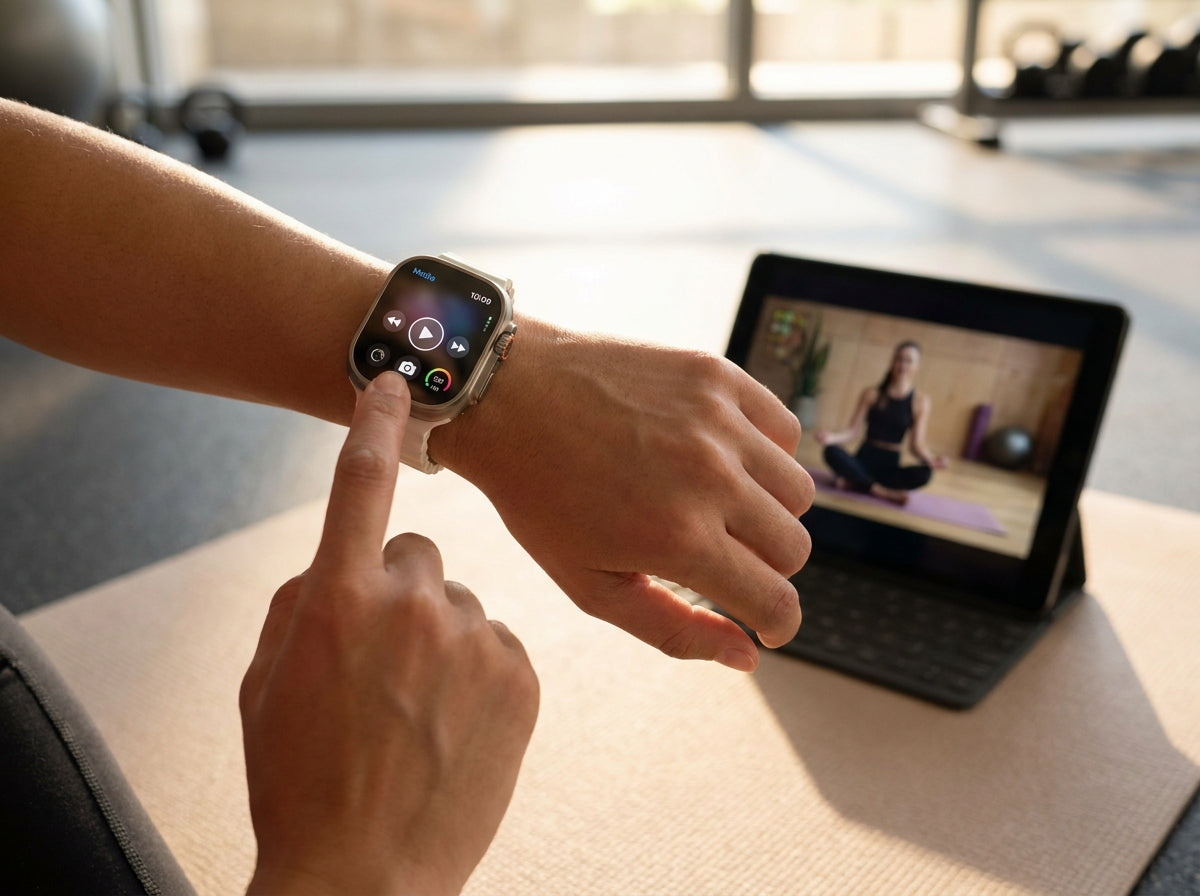
🎵 Music Controls
Most smartwatches allow you to control music directly from your wrist.
Common controls include:
- Play and pause music
- Skip tracks
- Adjust volume
- View album artwork on supported apps
These features work with many popular music services and are especially useful during workouts.
📸 Camera Remote Control
Your smartwatch can also function as a remote camera shutter.
Useful features include:
- Taking group photos remotely
- Triggering selfies with a timer
- Starting video recordings from your wrist
Perfect when your phone is mounted or placed at a distance.
📱 Find My Phone
Misplaced your phone?
Most smartwatches include a “Find My Phone” feature that can:
- Make your phone ring
- Work even if the phone is on silent mode
- Help locate your device within Bluetooth range
🎙 Voice Commands
Voice assistant integration allows hands-free control.
Common uses include:
- Activating voice assistants
- Sending voice memos
- Starting navigation
- Setting reminders or timers
Smart Home Control from Your Wrist
Many smartwatches now integrate with smart home platforms.
Compatible controls may include:
- Turning lights on or off
- Adjusting thermostats
- Locking or unlocking doors
- Controlling connected home devices
This makes your smartwatch a convenient control center for daily routines.
How to Set Up Remote Controls
On Your Smartwatch
Typically found under:
Settings → Controls
From there you can:
- Enable remote features
- Customize button actions
- Select shortcut functions
In Your Phone App
You may also need to:
- Enable notification access
- Grant camera and music permissions
- Allow Bluetooth connectivity
Most Useful Remote Features
1. Camera Control
With camera remote enabled:
- Your phone’s camera app opens automatically
- Tap your watch to take a photo
- Some watches also support video recording
2. Music Control
Convenient during workouts or commuting:
- Play/pause tracks
- Skip songs
- Adjust volume
- View playback information
3. Find My Phone
Helpful when your phone is nearby but misplaced.
Features often include:
- Loud ringing alerts
- Silent mode override
- Bluetooth range detection
4. Timers and Alarms
Many smartwatches allow:
- Quick timer setup
- Alarm creation
- Independent operation without the phone nearby
Benefits of Smartwatch Controls
🙌 Hands-Free Convenience
Great for situations where using your phone is inconvenient.
Perfect for:
- Workouts
- Cooking
- Driving
- Meetings
- Presentations
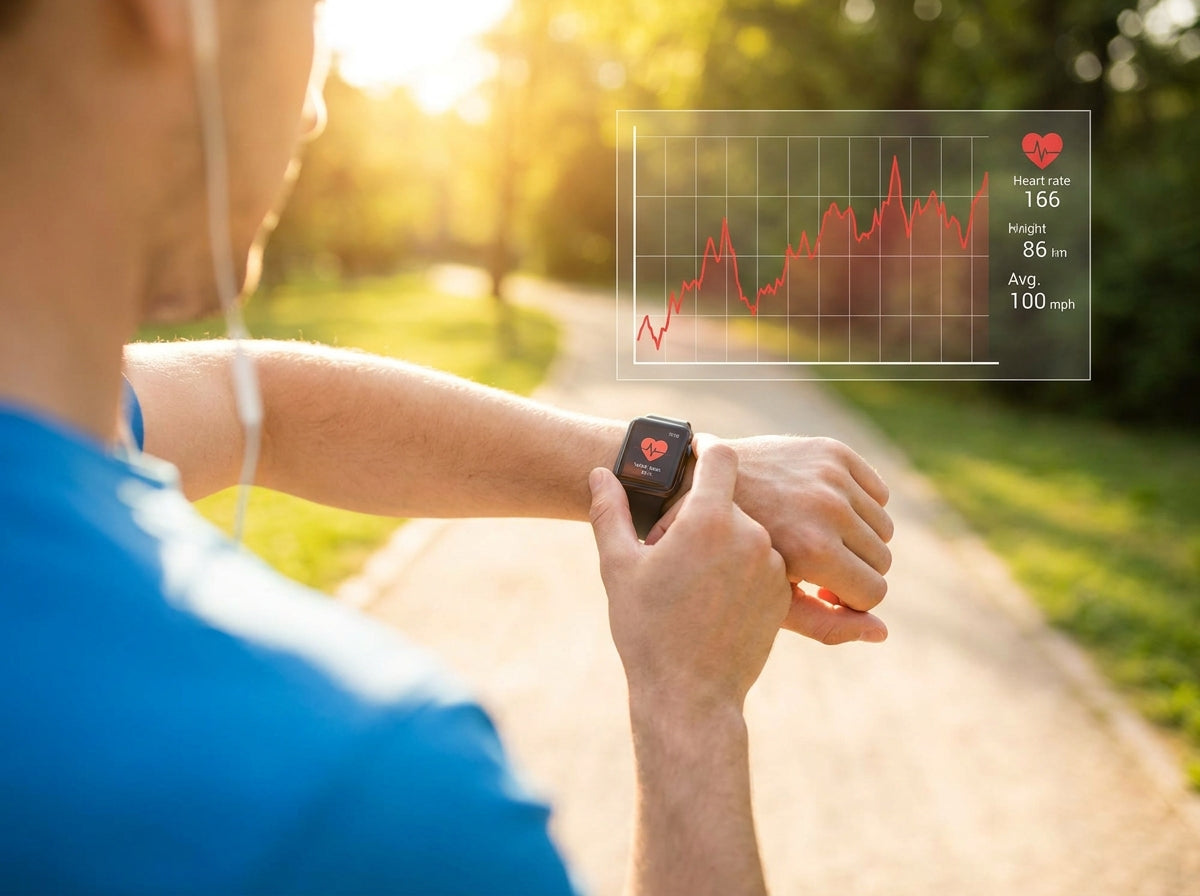
🏃 Better Workout Experience
You can:
- Change music without stopping
- Start timers quickly
- Stay focused during exercise
Troubleshooting Common Issues
Controls Not Working?
Try the following:
- Check Bluetooth connection
- Verify app permissions
- Restart both devices
- Update software and firmware
The Future of Smartwatch Controls
Wearable technology continues evolving rapidly.
Future developments may include:
- Deeper smart home integration
- More third-party app support
- Vehicle dashboard controls
- Expanded smart device pairing
Conclusion
Your smartwatch can be far more than a fitness tracker.
With remote controls, smart home integration, and hands-free convenience, it becomes a powerful companion for workouts, productivity, and everyday life.
Exploring these features can help simplify routines and make your smartwatch even more useful throughout the day.

Laisser un commentaire
Ce site est protégé par hCaptcha, et la Politique de confidentialité et les Conditions de service de hCaptcha s’appliquent.