

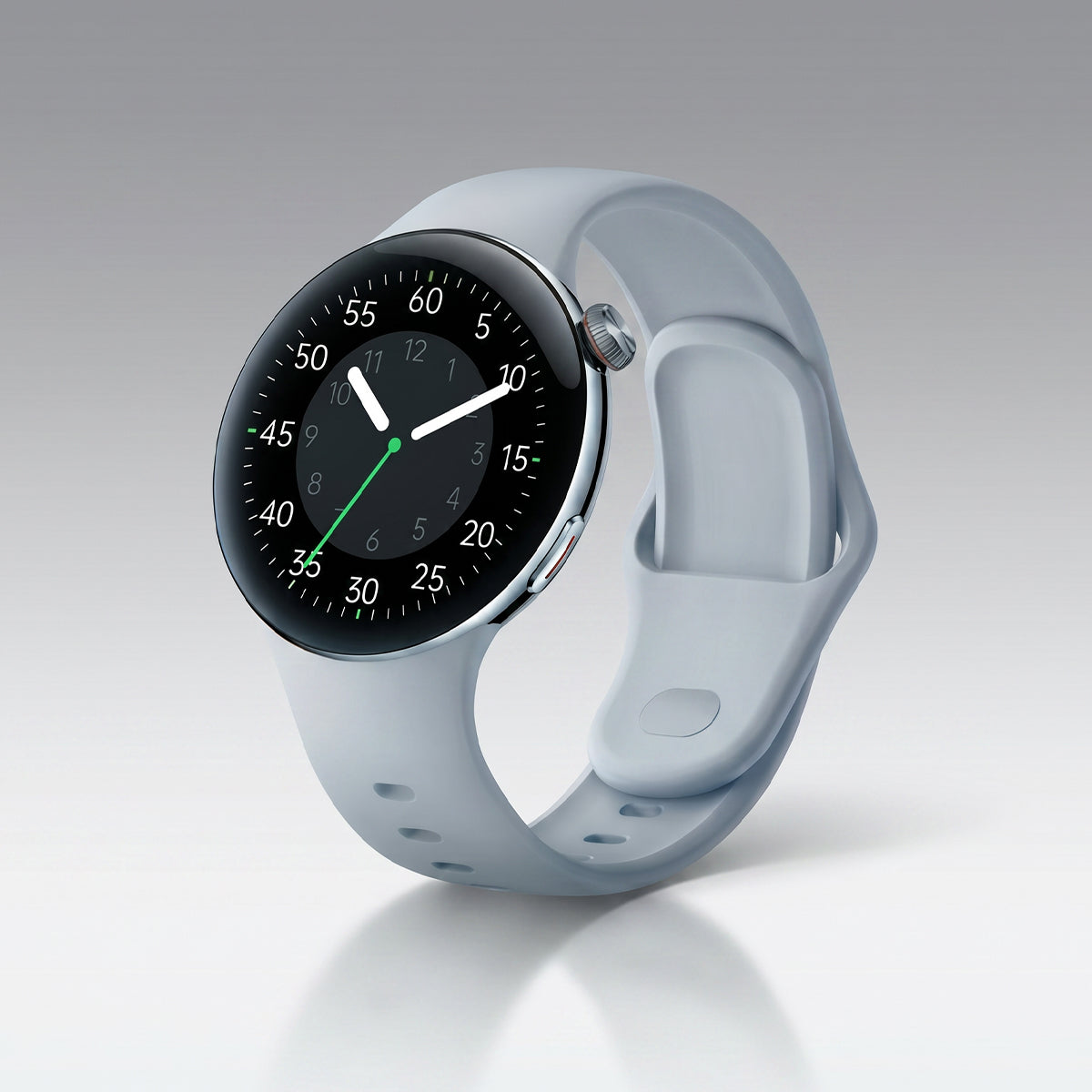









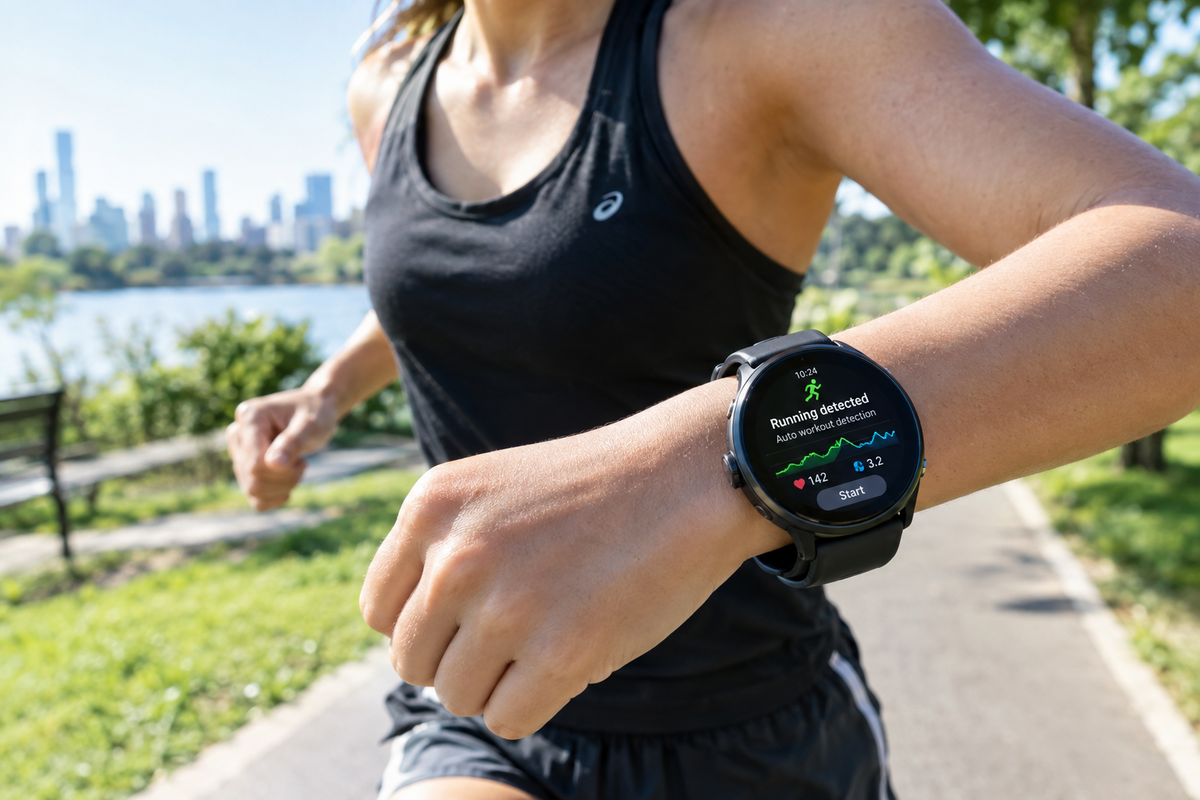
You start walking. Thirty seconds later, your watch buzzes: "Track your walk?" You didn't press anything. You didn't tell it. It just... knew.
Slightly creepy? Maybe. But it's also one of the cleverest things your wearable does — and understanding it will help you get far more accurate tracking.
Two Tiny Sensors Do the Heavy Lifting
Your watch has two motion sensors, and together they're basically a tiny inner ear.
1. Accelerometer — the "how fast" sensor
It measures acceleration along three axes: up/down, left/right, forward/back. Three axes = "3‑axis accelerometer."
What it feels:
-
The rhythmic bounce of walking
-
The sharper, faster impact of running
-
The smooth glide of cycling
-
The near‑absence of motion when you're sitting
2. Gyroscope — the "which way" sensor
The accelerometer tells you motion happened. The gyroscope tells you rotation — how your wrist is tilting and turning.
This matters. Walking and running both bounce, but your arm swings differently. Swimming involves rotation your wrist never does on land. Cycling keeps your wrist relatively steady while your legs spin.
Accelerometer + gyroscope = a motion fingerprint. Different activities, different fingerprints.
Then Machine Learning Does the Thinking
Raw sensor data is messy. Your watch samples it dozens of times per second, generating thousands of data points per minute.
So the data gets chopped into short windows — a few seconds each — and each window becomes a set of features:
-
Amplitude — how strong is the motion?
-
Frequency — how fast is it repeating?
-
Regularity — is it rhythmic or random?
-
Orientation — which way is the wrist pointing?
-
Rotation — is it twisting?
Those features get fed into a machine‑learning model that's been trained on thousands of hours of real people moving. The model has learned what patterns belong to walking, running, cycling, swimming, elliptical, rowing — and it outputs a probability: "87% likely running."
Cross a threshold, and your watch asks: "Track your run?"
Why It Sometimes Gets It Wrong
Automatic detection is good, not perfect. Here's what trips it up:
-
Pushing a stroller or shopping cart — your arms don't swing, so walking can look like nothing
-
Cycling with your hands still — can register as "stationary" or even confuse the model
-
Elliptical vs. running — similar rhythms, similar wrist motion
-
Holding a treadmill rail — kills the arm swing signal
-
Short bursts — walking to the bathroom won't (and shouldn't) trigger a workout
-
Loose watch fit — extra movement muddies the fingerprint
This is why manual start is still more accurate than auto‑detect. Auto is a convenience, not a precision tool.
How to Get Better Auto‑Detection
1. Wear it snug. Sensor contact matters more than you'd think.
2. Give it time. Most watches need 5–10 minutes of consistent motion before they'll confirm an activity.
3. Start workouts manually when it counts. If you're chasing accurate pace and distance, don't wait for the prompt.
4. Confirm the detection. When your watch asks "Was this a run?" — answer. That feedback trains your personal model.
5. Log it if it's missed. Most apps let you add a workout manually after the fact.
The Bottom Line
Your watch isn't psychic. It's reading motion — three axes of acceleration, three axes of rotation — and comparing it to patterns it learned from thousands of people.
Two sensors, a few seconds of data, and a probability score. That's how it knows you're running before you do.
Now go for a walk. See if it notices. 😉


Lämna en kommentar
Denna webbplats är skyddad av hCaptcha och hCaptchas integritetspolicy . Användarvillkor gäller.