













Or worse: you're mid-hike somewhere beautiful, and your GPS gives up because it's been hunting for satellites since takeoff.
Travel kills wearables. Not because they're fragile, but because the settings that work at home are all wrong on the road. Here's what to change before you fly.
1. Switch to a Low-Power Watch Face
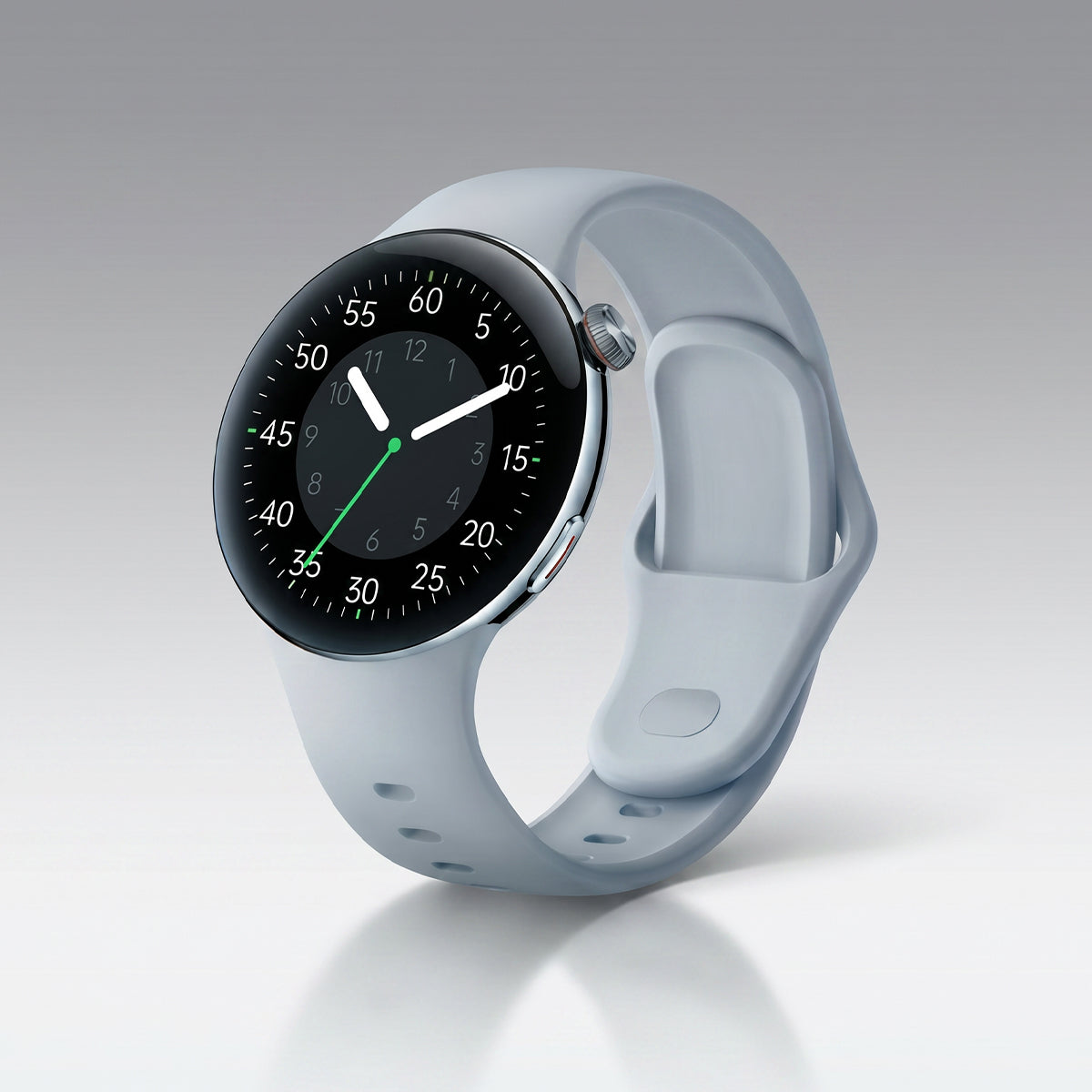
That beautiful animated face with six complications? It's eating your battery all day. Swap to a simple digital face — time, date, maybe battery. Fewer updates per minute, more hours per charge.
2. Turn Off Continuous SpO₂ Monitoring
Blood oxygen tracking is a battery vampire, and honestly, you don't need it around the clock while you're on holiday. Switch it to manual or overnight-only. You'll barely notice the difference — except in your battery percentage.
3. Enable Smart GPS Interval Recording
Full-power GPS is the single biggest drain on any wearable. Most watches have a "smart" or "interval" GPS mode that logs your position every few seconds instead of every second. On a long hike or city walk, the route is still perfectly usable — and you'll save 30–50% battery.
4. Confirm Auto Time Zone Is On
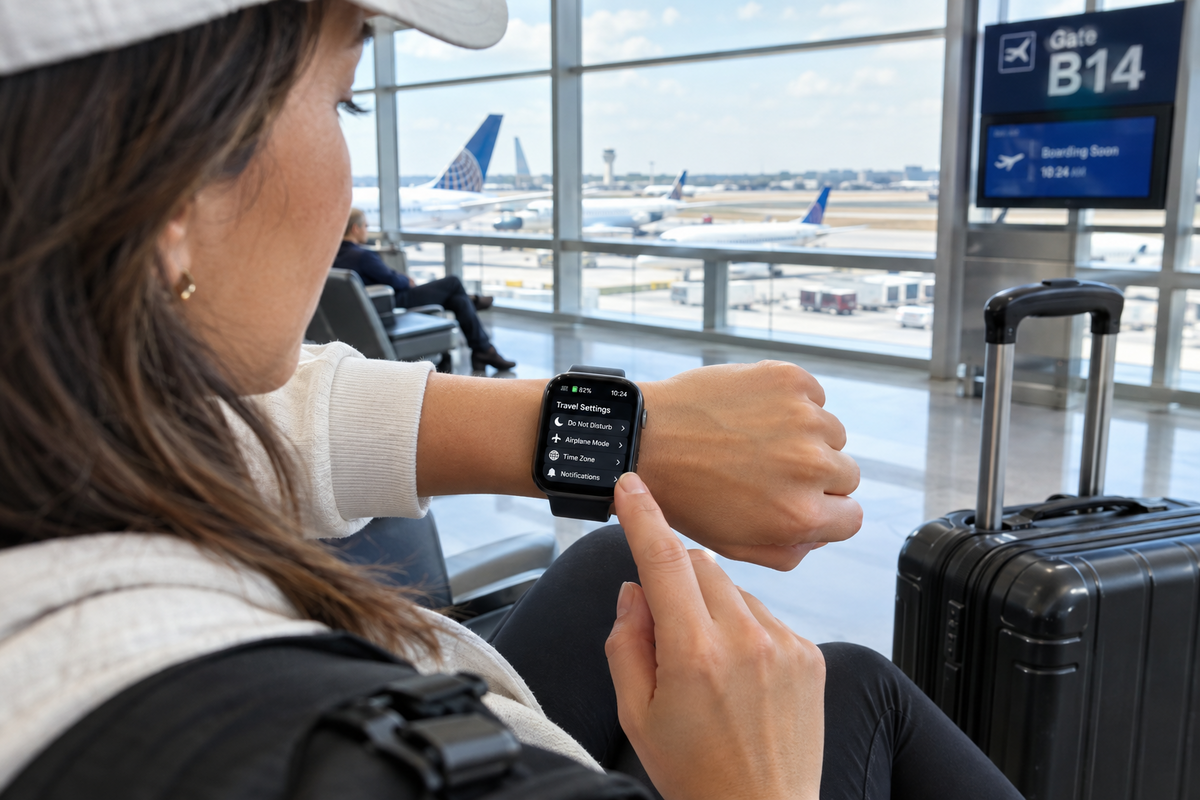
This one sounds obvious, but it's the most common travel complaint. If auto time zone is off, your watch stays on home time — which means your sleep tracking, alarms, and reminders are all quietly wrong. Check it before you board.
5. Kill the Notification Flood
Roaming notifications are relentless: airline apps, banking alerts, group chats across time zones. Every buzz lights the screen and drains power. Keep calls and messages from favourites. Mute the rest.
6. Set Do Not Disturb for Sleep — On Local Time
Your watch might still be running on home-time sleep schedules. Make sure DND is set to follow your destination's clock, not your body's confused one. Otherwise it'll vibrate at 3 AM thinking it's morning.
7. Turn Off Wi-Fi and Auto-Sync
Wi-Fi is for big updates at home. On the road, Bluetooth is enough for syncing. Turn Wi-Fi off, and set sync to manual or once-a-day. Your battery will thank you, and you won't burn through roaming data either.
8. Pack the Charger in Your Carry-On
Not a setting, but the setting that matters most. Batteries die faster when they're working hard in the cold, in airplane mode limbo, and in unfamiliar time zones. A charged power bank and a spare cable turn "dead watch" into a non-issue.
Bonus: Charge Fully Before Takeoff
Airport charging is chaos. Plug in the night before, top it up at the gate if you can, and switch to airplane mode during the flight — unless you're deliberately tracking sleep.
The Bottom Line
Your watch isn't failing you on holiday. It's just doing too much with settings built for home. Two minutes of tweaking before you fly means a device that lasts the whole trip — and actually knows what time it is when you land.
Change the settings, pack the charger, and go enjoy the trip. Your wrist has this. ✈️😉

Lämna en kommentar
Denna webbplats är skyddad av hCaptcha och hCaptchas integritetspolicy . Användarvillkor gäller.