



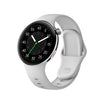
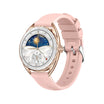


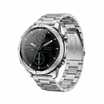

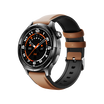


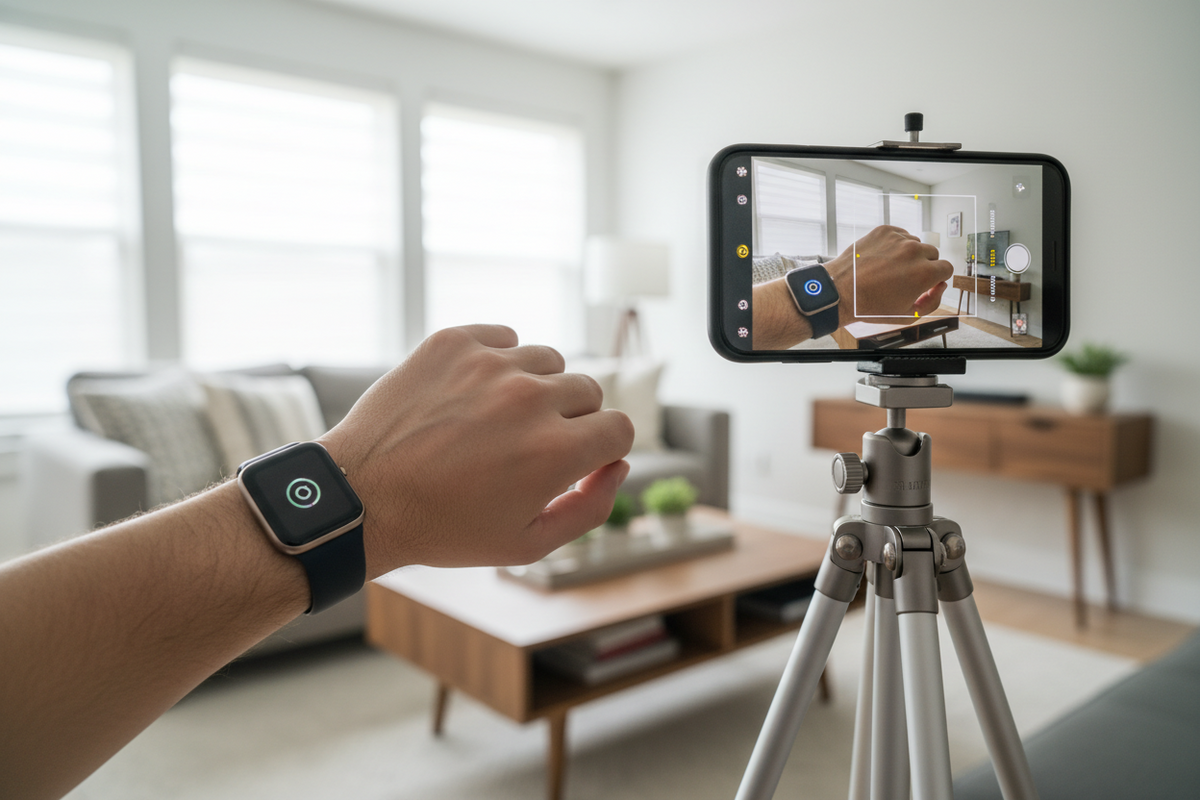
Your smartwatch can do much more than track fitness—it can also act as a powerful remote control for your phone and other connected devices.
Here’s how to make the most of these convenient features.
Control Your Phone from Your Wrist
🎵 Music Controls
Easily manage your music without touching your phone:
- Play, pause, or skip tracks
- Adjust volume directly from your watch
- Works with most popular music apps
📸 Camera Remote
Turn your smartwatch into a wireless shutter:
- Use your watch to take photos remotely
- Perfect for group shots or hands-free selfies
- Set timers for better framing
🔍 Find My Phone
Misplaced your phone? Your watch can help:
- Trigger your phone to ring instantly
- Works even if your phone is on silent or vibrate
- Effective within Bluetooth range
🎙 Voice Commands
Use your voice for quick actions:
- Activate your phone’s voice assistant
- Send voice notes or commands
- Navigate hands-free
Control Your Smart Home
If you use smart home devices, your smartwatch becomes even more powerful:
- Turn lights on/off
- Adjust thermostat settings
- Lock or unlock doors
- Compatible with major smart home ecosystems
How to Set Up Remote Controls
On Your Watch:
- Go to Settings → Controls
- Enable the features you want
- Customize button shortcuts
On Your Phone:
- Open the companion app
- Enable permissions for camera, music, and notifications
Common Remote Features Explained
1. Camera Control
- Open the camera app on your phone
- Tap your watch to take photos or start video
- Ideal for tripod shots or remote shooting
2. Music Control
- Play or pause music
- Skip or rewind tracks
- Adjust volume easily
- View album artwork on your watch
3. Find My Phone
- Instantly rings your phone
- Works even in silent mode
- Limited to Bluetooth connection range
4. Timers and Alarms
- Set timers directly from your watch
- Create quick alarms on the go
- Works even without your phone nearby
Why These Features Matter
Hands-Free Convenience
- Perfect during workouts
- Useful for presentations
- Helps when your hands are occupied
When Your Phone Isn’t Nearby
- During meetings
- While cooking
- When driving
Troubleshooting Tips
If remote features aren’t working:
- Check your Bluetooth connection
- Ensure all necessary permissions are enabled
- Restart both your phone and smartwatch
- Update to the latest software version
What’s Coming Next?
Smartwatch control features are expanding rapidly:
- Deeper smart home integration
- More third-party app compatibility
- Car system integration
- Control for AR/VR devices
Conclusion
Your smartwatch isn’t just a fitness tracker—it’s a powerful remote for your digital life.
By exploring and using these features, you can simplify daily tasks, save time, and enjoy a more seamless connected experience.

Hãy để lại bình luận
Trang web này được bảo vệ bằng hCaptcha. Ngoài ra, cũng áp dụng Chính sách quyền riêng tư và Điều khoản dịch vụ của hCaptcha.