

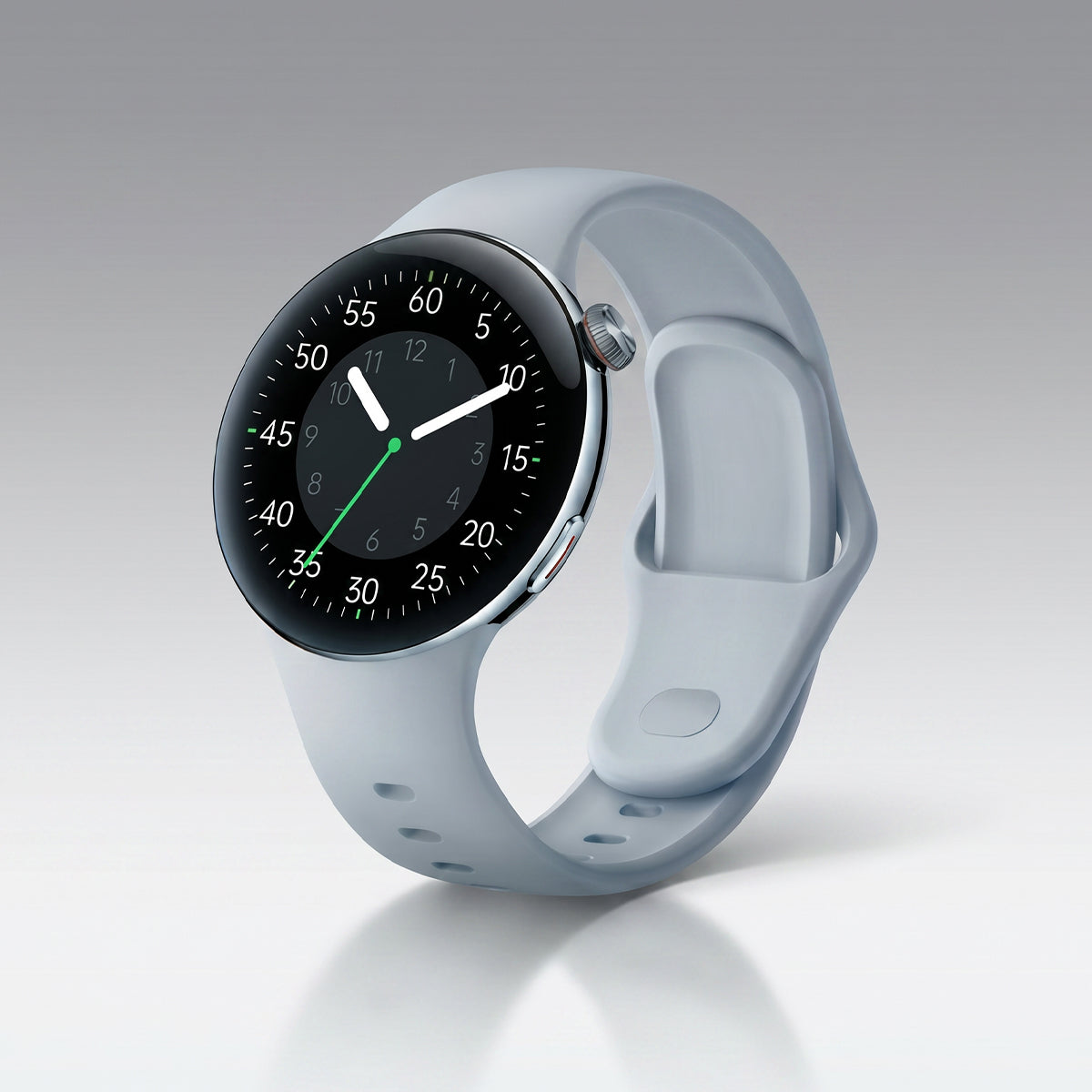









Short answer: Your watch's optical heart rate sensor relies on light passing through your skin — and during intense exercise, sweat, movement, and a loose fit all interfere with that signal. The fix is usually simple: move the watch to the right spot, tighten the band, and give it a few minutes to lock on. If it still fails, a chest strap is your answer. Here's the full breakdown.
Why Your Watch Struggles During Intense Workouts
You're sprinting. Your heart is pounding. But your watch says 98 bpm — the same number it showed when you were warming up.
You know it's wrong. Your body knows it's wrong. But why?
Your watch uses PPG (photoplethysmography) — the same green-light technology that tracks your heart rate at rest. It works by shining light into your skin and detecting tiny changes in blood volume with each heartbeat.
At rest, this works beautifully. During a hard workout, three things go wrong:
1. Movement creates noise
Every arm swing, every foot strike, every wrist rotation shifts the sensor against your skin. The watch sees motion, not just blood flow. At 180 steps per minute, that's three disturbances per second — enough to drown out the pulse signal entirely.
2. Sweat refracts light
Sweat on your skin changes how light travels. It creates a thin, uneven film that scatters the green light before it reaches your blood vessels. The sensor gets confused.
3. Blood vessels constrict
During intense exercise, your body diverts blood away from your extremities — including your wrists — and toward your working muscles. Less blood flow to the sensor means a weaker signal. That's why your watch can read low even when your heart is hammering.
The result: Your watch either lags behind, locks onto your cadence instead of your heartbeat, or gives up altogether.
The No. 1 Fix: Proper Wrist Placement and Band Tightness
This is the single most effective change you can make — and most people get it wrong.
The rule: Your watch should sit one finger's width above your wrist bone, on the flatter part of your forearm.
Not on the wrist bone itself. Not so low it slides toward your hand. Not so high it moves when you flex your wrist.
Band tightness matters just as much.
-
Too loose: Light leaks out. Ambient light creeps in. The sensor loses contact with your skin. This is the most common cause of bad readings.
-
Too tight: Blood flow gets restricted. The signal weakens. Your hand might go numb.
The sweet spot: The band should be snug enough that you can't slide a finger underneath, but not tight enough to leave a mark. During workouts, tighten it one notch more than your daily wear.
Quick test: Before you start moving, check your watch's live heart rate. Can you see your pulse? If it's jumping around or flatlined, adjust the placement and try again.
When to Switch to a Chest Strap
If you've fixed placement and tightness and your readings are still garbage, it's not you — it's physics.
Optical sensors have limits. During high-intensity intervals, heavy lifting, or sports with constant wrist movement (rowing, boxing, CrossFit), PPG simply can't keep up. The error can be 8–16 bpm or more.
That's when you switch to a chest strap.
Why chest straps win:
-
They use ECG (electrical signal), not light — the same technology as a hospital heart monitor
-
They sit against your chest, where the heart's electrical signal is strongest
-
No motion artifacts from wrist movement
-
No sweat interference
-
Accuracy within 1–2 bpm of a lab-grade ECG, even during sprints
Chest strap options:
-
Polar H10 — the gold standard for accuracy, Bluetooth and ANT+ compatible
-
Garmin HRM-Pro Plus — adds running dynamics and stores data offline
-
Wahoo TICKR — solid mid-range option
When to wear one:
-
HIIT and interval training
-
Heavy strength training
-
Rowing, boxing, martial arts
-
Any sport where your wrist moves constantly
-
When you're training by heart rate zones and precision matters
For steady-state runs and cycling, your watch is usually fine. For anything explosive, a chest strap is worth the $60–$90.
Step-by-Step: How to Calibrate Your Device for Running and Cycling
Follow these steps to get the most accurate readings from your watch.
For Running
-
Position it right. One finger above the wrist bone. Snug band.
-
Warm up first. Start your workout and walk for 2–3 minutes. This gives the sensor time to lock onto your pulse before you start moving fast.
-
Tighten before intervals. When you're about to sprint, tighten the band one extra notch.
-
Check your cadence lock. If your heart rate suddenly matches your step rate (e.g., 170 bpm when you're running 170 steps per minute), it's locked onto motion — not your heart. Slow down, adjust the watch, and let it re-lock.
-
Compare to perceived effort. If you're breathing hard and your watch says 110 bpm, it's wrong. Trust your body.
For Cycling
-
Position matters less, but still matters. Same placement rule applies.
-
Hands on the bars = less movement. Cycling is easier for PPG than running. Your watch should be fine for steady efforts.
-
For intervals, consider a chest strap. Sprint intervals on the bike still involve arm movement and grip changes.
-
If using a bike computer, pair your watch as a heart rate source. This lets you see live data on a bigger screen without moving your wrist.
-
Check for lag. Optical sensors can lag 5–10 seconds behind rapid changes. A chest strap updates every second.
General Tips for Both
-
Keep the sensor clean. Sweat residue and sunscreen build up over time and degrade the signal.
-
Update your firmware. Manufacturers regularly improve heart rate algorithms via software updates.
-
Try the other wrist. Some people get better readings on their non-dominant arm.
-
Give it 5 minutes. If the reading is wrong at the start, it often corrects itself as you settle into a rhythm.
FAQ: Why Is My Heart Rate Still High After I Stop?
Short answer: That's normal. Your heart doesn't hit the brakes the moment you do.
When you stop running, your heart rate doesn't drop instantly. It takes time — sometimes several minutes — to return to baseline. This is called heart rate recovery, and it's actually a good measure of your fitness.
What's happening:
-
Your muscles still need oxygen to recover
-
Your body is clearing out metabolic byproducts (like lactate)
-
Your nervous system is shifting from "fight or flight" back to "rest and digest"
Typical recovery times:
-
1 minute after stopping: Heart rate drops 15–25 bpm for fit individuals
-
2 minutes: Drops another 10–15 bpm
-
5 minutes: Usually back under 100 bpm for healthy adults
-
10 minutes: Approaching resting range
When to pay attention:
-
If your heart rate stays above 100 bpm for more than 10 minutes after light activity
-
If it doesn't drop at all in the first minute (this can indicate poor fitness or a heart issue)
-
If you feel dizzy, short of breath, or have chest pain
Don't panic if your watch says 140 bpm right after you stop. Wait a minute. Check again. Your body is doing exactly what it should.
The Bottom Line
Your watch's heart rate sensor isn't broken — it's just easily confused. Movement, sweat, and poor placement all interfere with the light signal it depends on.
The fix is usually three things:
-
Move it one finger above your wrist bone
-
Tighten the band for workouts
-
Give it 2–3 minutes to lock on before you push hard
If that doesn't work, get a chest strap. For HIIT, lifting, and high-movement sports, no optical sensor can match ECG accuracy. It's not a failure of your watch — it's just physics.
And remember: your watch is a tool, not a judge. If the number looks wrong, trust your body. You know your effort better than any sensor does.


댓글 남기기
이 사이트는 hCaptcha에 의해 보호되며, hCaptcha의 개인 정보 보호 정책 과 서비스 약관 이 적용됩니다.