








How to Choose the Right Smartwatch for Your Lifestyle
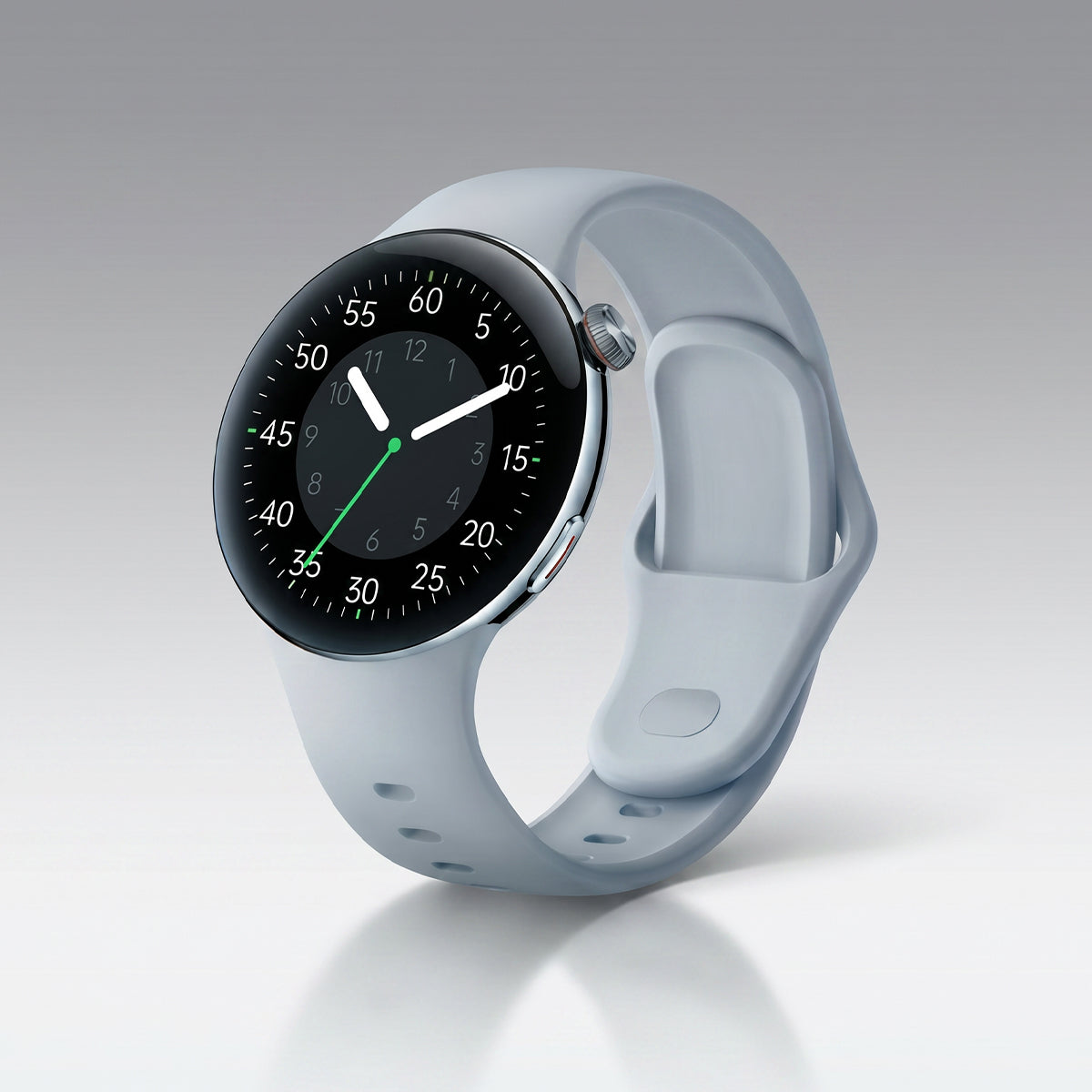
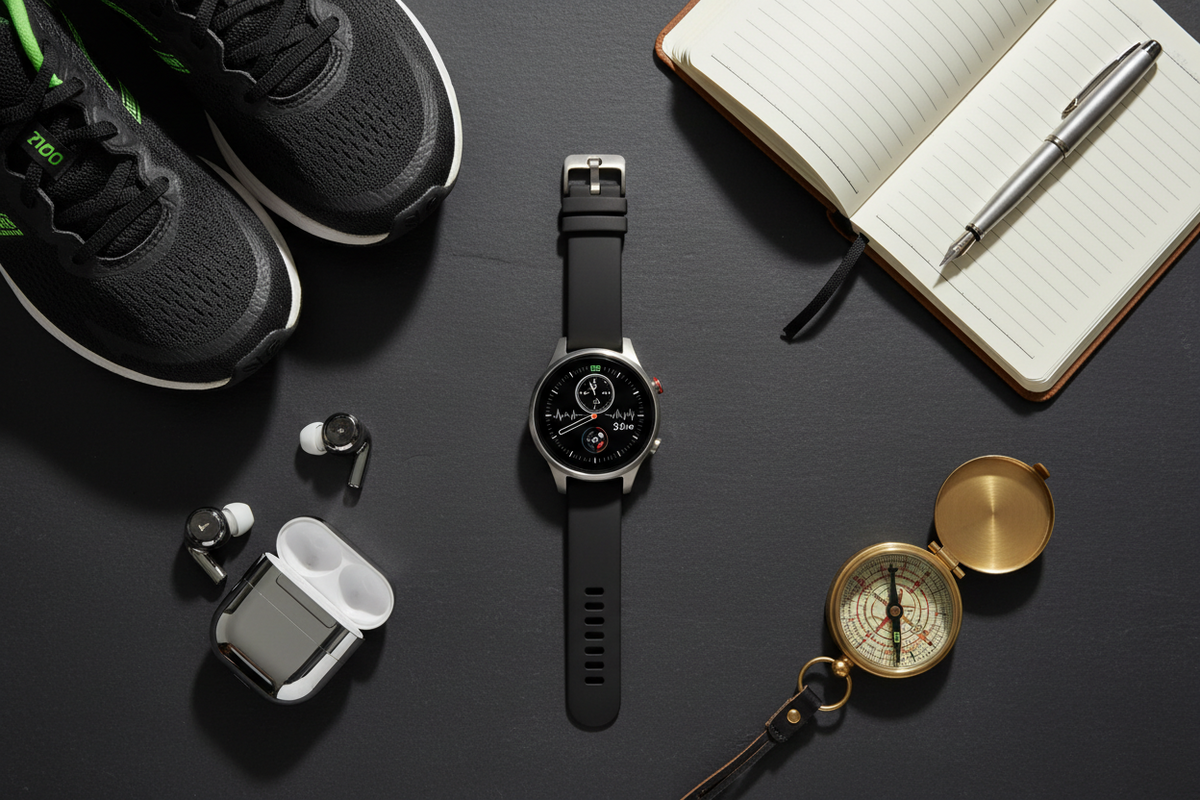
Not everyone needs the same smartwatch. The “best” choice isn’t about the most expensive model or the longest feature list — it’s about what actually fits your daily life. This guide will h...

How to Use Sleep Tracking on Your Smartwatch
Sleep plays a vital role in overall health, affecting everything from energy levels to mental clarity. With modern smartwatches, tracking your sleep has become easier than ever. When used correctly...

Fitness Tracker vs Smartwatch: Which is Right for You?
With so many wearable devices on the market today, choosing between a fitness tracker and a smartwatch can feel overwhelming. While both offer valuable features, they are designed with different pr...
How to Update Your Smartwatch Firmware
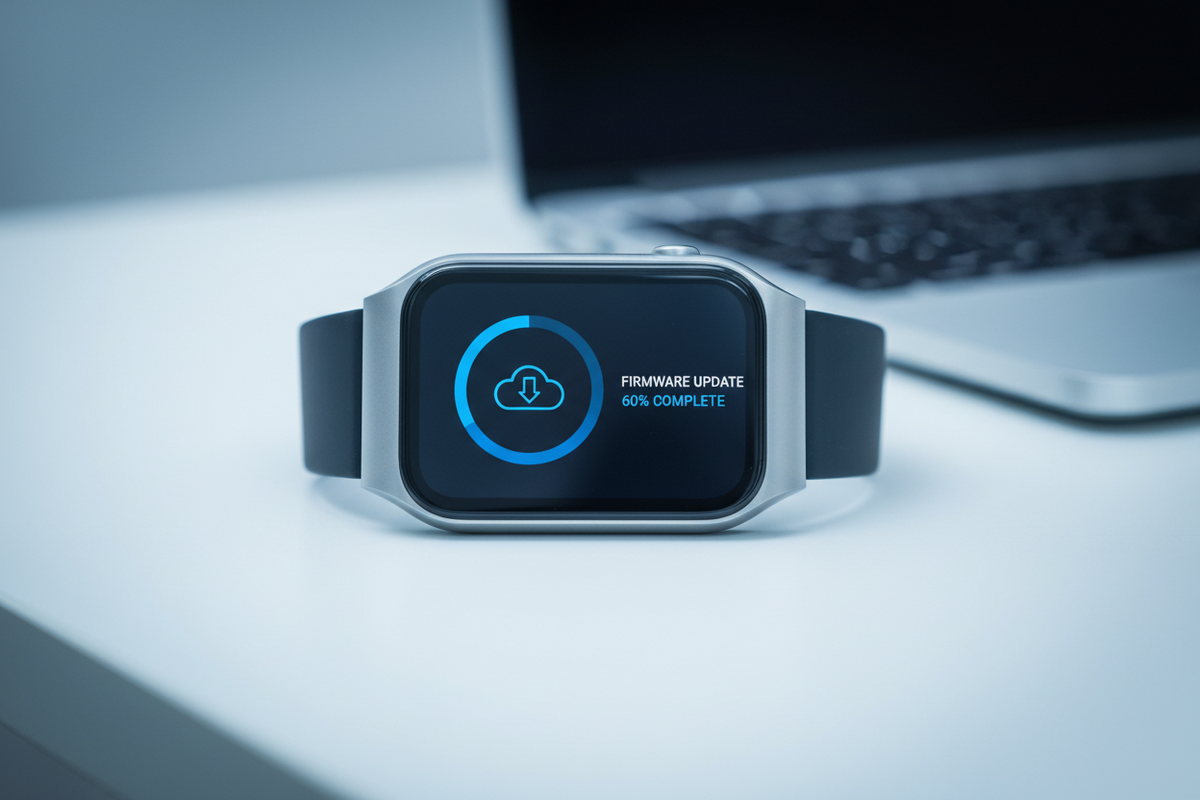
Keeping your smartwatch firmware updated ensures you have the latest features, security patches, and performance improvements. Regular updates can fix bugs, add new capabilities, and extend your de...
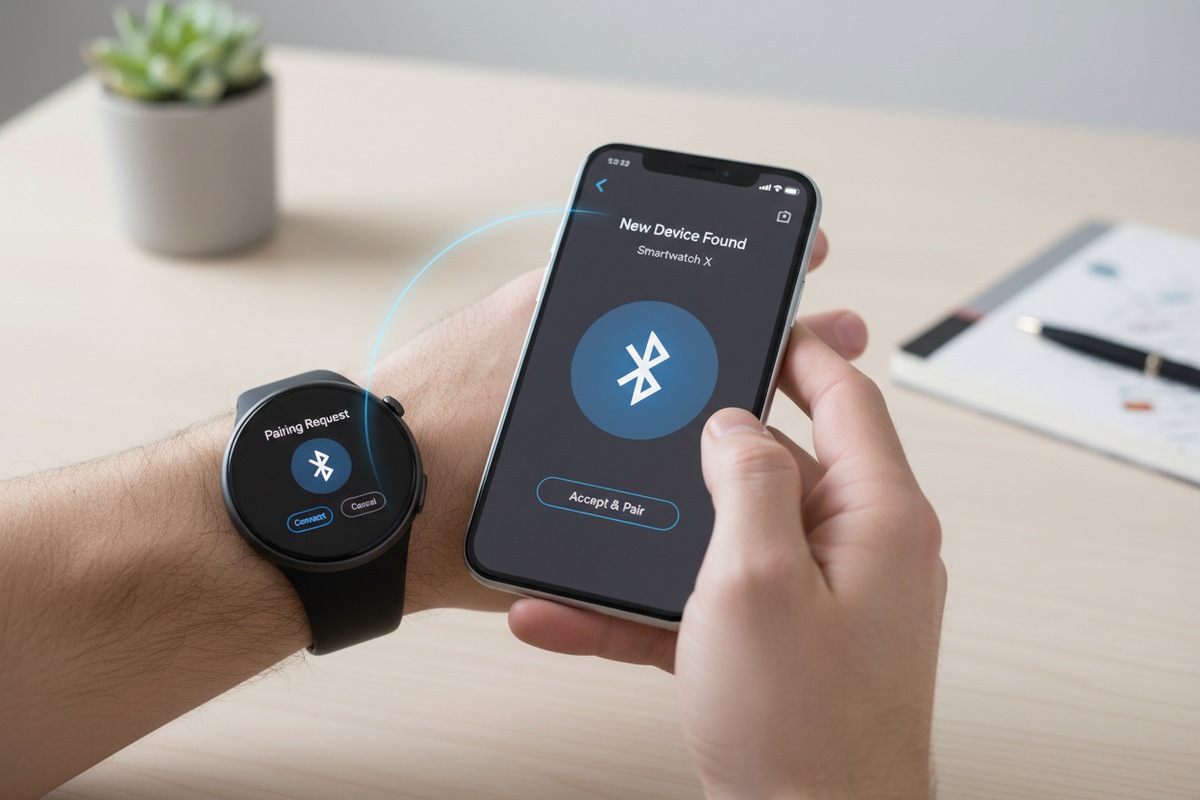
스마트워치를 휴대폰에 연결하면 스마트워치의 모든 기능을 활용할 수 있습니다. 이 가이드에서는 페어링 과정, 문제 해결 방법, 그리고 연결을 최대한 활용하는 방법을 안내합니다. 연결 이해하기 블루투스 기능 블루투스 무선 기술은 스마트워치와 휴대폰을 연결합니다. 이 연결을 통해 다음 기능을 사용할 수 있습니다.앱 데이터 동기화알림 미러링휴대폰 제어 기능음...

스마트워치를 볼 때마다 가장 먼저 눈에 띄는 것은 워치 페이스입니다. 워치 페이스를 개인화하면 시계가 더욱 특별해 보일 뿐만 아니라 기능도 향상됩니다. Aolon 스마트워치를 최대한 활용하는 방법을 알아보세요. 시작하기 워치 페이스 접근하기 방법 1: 시계에서1. 현재 워치 페이스를 길게 누릅니다.2. 왼쪽 또는 오른쪽으로 스와이프하여 탐색합니다.3....